
Shopify vs WooCommerce vs Custom Build: Which Is Right for Your Online Store?
Shopify, WooCommerce or a custom-built store? Five scoping criteria with real figures, the limits of each option and an iterative approach to help you decide.
Shopify or WooCommerce: which one should you choose for your store?
When choosing an e-commerce solution, the rule of thumb is simple: Shopify to quickly launch a standard catalog, WooCommerce to keep control of WordPress and your content, and a custom build when your workflows or your catalog fall outside the standard mold. The right choice depends on three things: your sales model, your implementation budget and the maintenance you can take on.
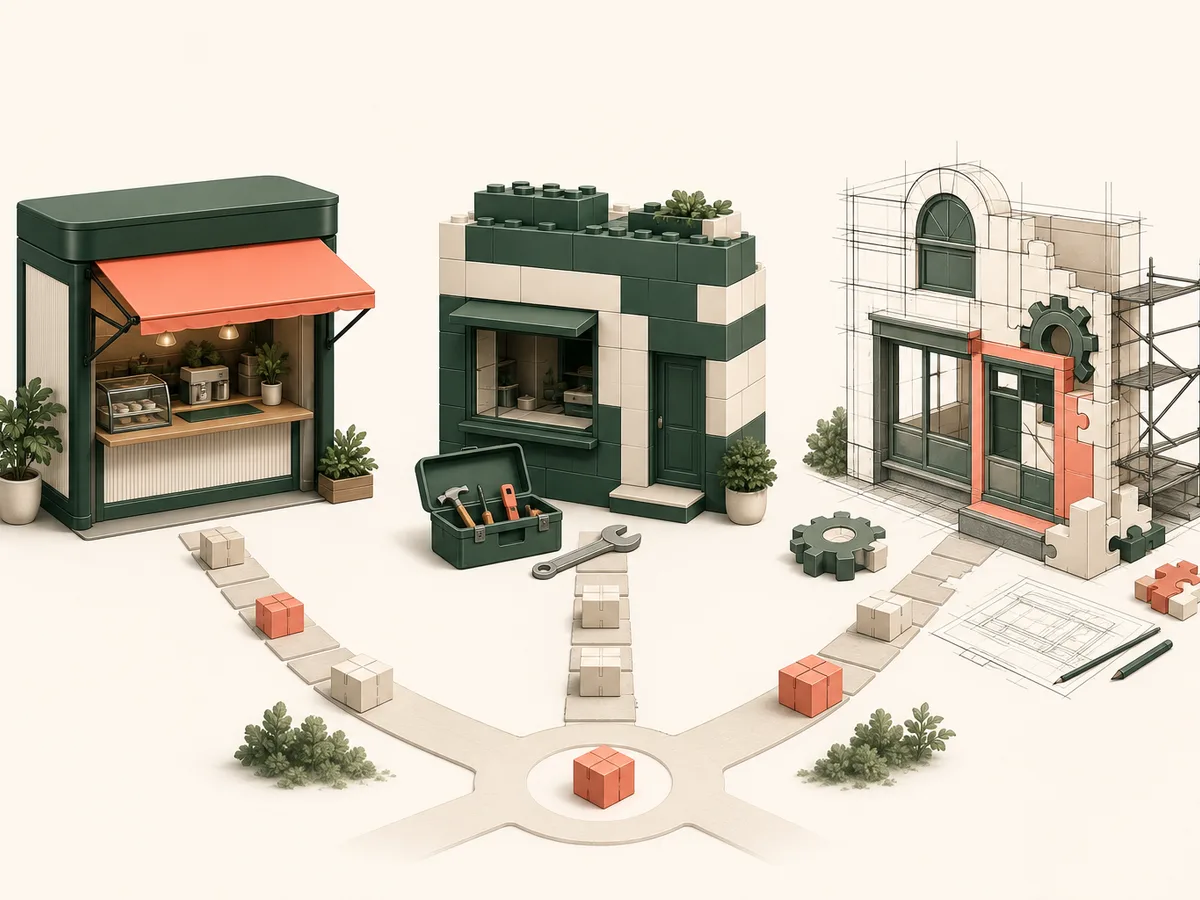
Here are the three options at a glance.
- Shopify: a hosted platform, ready to sell. You save time at launch, at the cost of more limited customization.
- WooCommerce: a WordPress plugin. You control the content, the data and the design, but you take on updates, security and performance.
- Custom build: a store built around your business rules. It takes more scoping and a longer timeline, but it adapts to your integrations and your conversion paths.
Comparing Shopify and WooCommerce only makes sense once your criteria are set. That is what the rest of this article covers.
Five scoping criteria to set before you compare
Good e-commerce project scoping comes down to five decision criteria. Set them before making any comparison.
- Catalog size: number of products, variants and languages.
- Launch deadline: your target date and what is truly essential by that date.
- Budget: initial investment, then recurring costs (subscription, hosting, maintenance).
- Business needs: pricing rules, ERP or logistics integrations, specific customer journeys.
- Internal capacity: who updates, secures and develops the site?
Put a number on each criterion. A vague criterion makes the comparison pointless.
Shopify: fast launch and limitations to know about
Shopify hosts your store, handles security updates and includes payment processing. The result: you can go live in a few weeks, with no server to monitor. That is the core of Shopify's pros and cons: you save time, but you give up control.
The trade-offs to anticipate:
- A recurring subscription, plus paid apps on top.
- Transaction fees, depending on the payment gateway you choose.
- Limited customization: themes and the app ecosystem cover standard needs, not unusual business rules.
- Platform dependency: your pricing, your upgrades and your data follow its terms.
Check these points against the current pricing grid before you commit.
WooCommerce: freedom to customize and maintenance costs
WooCommerce installs on WordPress. You keep control of the design, the editorial content, the customer data and your SEO. Plugins cover most needs, and a developer can adapt the rest.
That freedom comes at a cost: WooCommerce maintenance falls to you.
- Regular updates to WordPress, the theme and the plugins, to be tested before going live.
- Security: backups, patches, monitoring.
- Performance: suitable hosting, caching, and a limited number of plugins.
The more plugins you stack up, the more conflicts and slowdowns you get. Plan for a recurring budget and a named person in charge, either in-house or at a technical partner.
When does a custom e-commerce build make sense?
A custom e-commerce build makes sense when your business rules no longer fit a standard model, even with plugins.
Four cases come up often:
- Complex pricing: customer-specific rates, volume discounts, quotes or framework contracts.
- Integrations: real-time synchronization with an ERP, a WMS or a carrier.
- Specific journeys: a configurator, subscriptions, multi-step ordering.
- Hybrid product: a store combined with a SaaS or a customer portal.
Let's be transparent: a custom build costs more upfront and requires more time for scoping and delivery. An incremental development approach limits that risk. You first deliver a reduced scope, measure the results, then expand.
Comparing the three options based on your priorities
Here is a clear comparison based on your key priorities:
| Criterion | Shopify | WooCommerce | Custom build |
|---|---|---|---|
| Timeline | Very short | Medium | Long |
| Total cost | Subscription + fees | Hosting + maintenance | High initial investment + targeted maintenance |
| Performance | Optimized, standardized | Depends on hosting | Tailored, can be optimized as needed |
| Scalability | Limited to Shopify's options | Flexible but depends on plugins | Total, fully tailored |
| Technical control | Low | Medium | Total |
| Dependency | High (proprietary platform) | Low to medium | None |
Choosing means trading off speed, cost, control and the ability to grow your store without compromise.
How to decide: an iterative approach and our recommendation
- Prioritize: sort your needs into essentials and things that can wait.
- Test: launch a reduced scope, for example one product range.
- Measure: track conversion and friction points.
- Evolve: switch tools only if the numbers justify it.
Verdict:
- Startup: Shopify to validate your offer quickly.
- SME: WooCommerce if content matters, Shopify otherwise.
- Established brand: custom build if your workflows demand it.
Clearly prioritizing your needs keeps you from paying too soon. Technical support can help you scope the test.